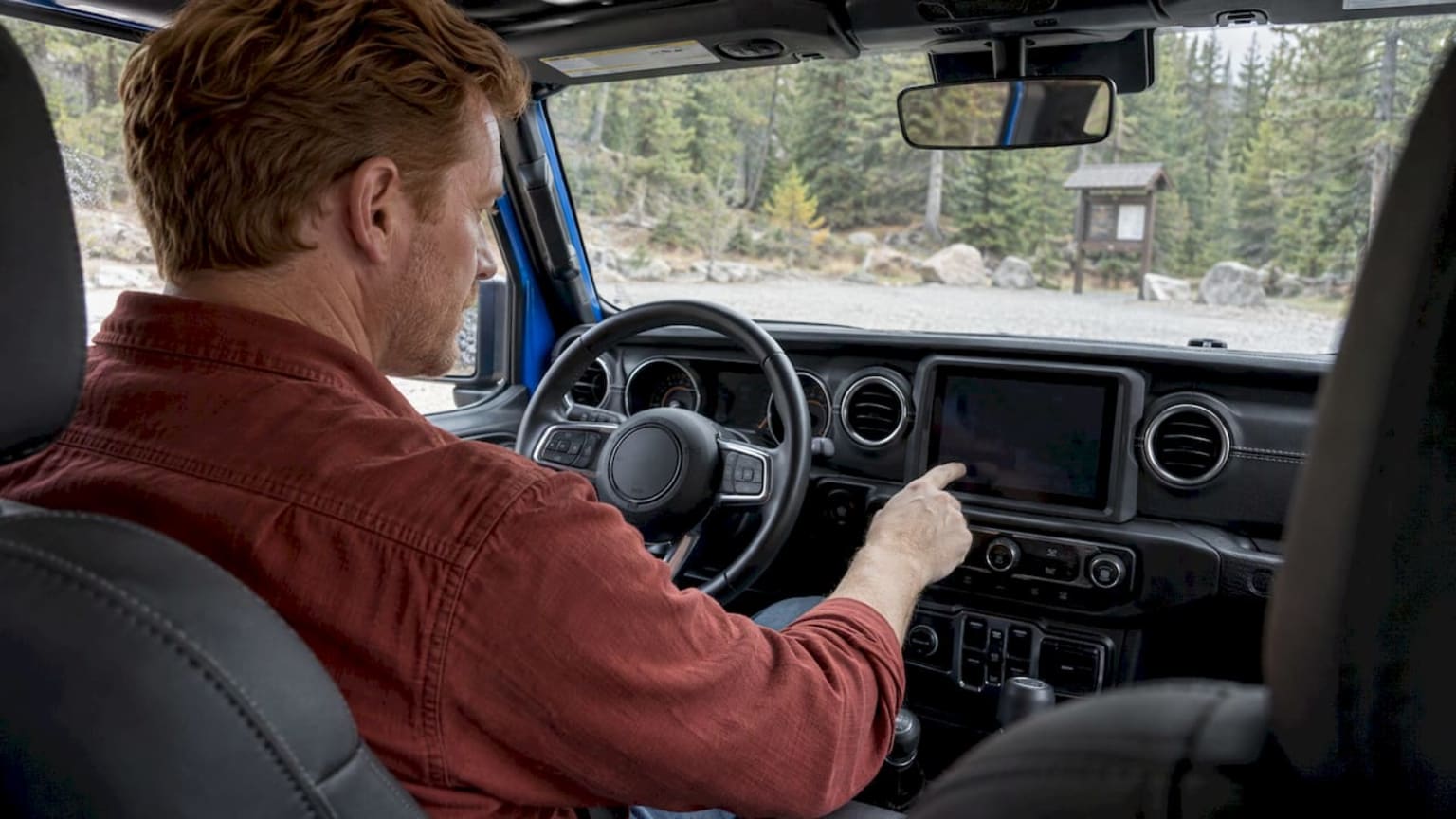
Jeep Off-Road Pages: What They Show and How to Fix Them
Off-Road Pages is the Jeep touchscreen app that puts drivetrain, suspension, tilt and gauge data in front of you on the trail. On equipped models you open it from the Vehicle menu, and when it disappears or won’t load, the fix is usually a system reset or a radio software update. Both are things our service team can walk you through, and the pages below cover what the feature does, who has it and what to try first.
Libertychryslerdodgejeep
libertychryslerdodgejeep.com
Get Your Jeep’s Off-Road Pages Checked
If your Jeep’s Off-Road Pages are missing or won’t load, Liberty Chrysler Dodge Jeep Ram provides professional vehicle service.
TL;DR
Off-Road Pages is a touchscreen application that shows vehicle status while you drive off-road: drivetrain, transfer case, coolant and oil gauges, pitch and roll, and access to the TrailCam on models that have it.
It is an “if equipped” feature, so it depends on the model year, trim and radio. Check the window sticker or the owner handbook for your exact vehicle.
On a 2025 Wrangler or Gladiator, press Vehicle, select Dashboard, then press Off-Road Pages.
If the pages are missing or won’t open, start with a 15-second Uconnect reset, then check for a radio software update.
Factory service bulletins list inoperative Off-Road Pages as a known symptom on certain Uconnect 5 vehicles and prescribe a software update.
Table of Contents
What Off-Road Pages actually show
Think of Off-Road Pages as a trail dashboard on the center screen. The 2025 Jeep Wrangler Owner Handbook describes it as an application that gives vehicle status information in off-road conditions: the drivetrain, the transfer case, coolant and oil gauges, the pitch and roll of the vehicle, and access to the TrailCam system. The 2025 Wagoneer Owner Handbook describes a similar display of drivetrain, transfer case and coolant and oil gauge information.
The feature has been around for a while. When the 2017 Grand Cherokee introduced it, Stellantis described the screens as covering:
Drivetrain data: steering angle, transfer-case position and rear differential lock status.
Suspension data: front and rear wheel articulation, plus air suspension mode and height on vehicles with that system.
Accessory gauges: coolant, oil and transmission temperature, battery voltage and oil pressure.
Selec-Terrain modes: auto, sand, mud, snow and rock.
What you see today depends on the vehicle. A Wrangler shows pitch and roll and TrailCam access. A Wagoneer focuses on drivetrain, transfer case and gauges. The principle is the same: you get the numbers that matter when the ground is uneven, without taking your eyes far from the trail.
Why pitch, roll and gauges matter on the trail
Pitch is the nose-up or nose-down angle. Roll is the side-to-side lean. Seeing both as numbers helps you judge whether a slope or side-hill is within what you are comfortable attempting, rather than guessing from the driver’s seat. Coolant and oil readings help you spot a vehicle that is working hard before it becomes a problem. Wheel articulation and differential lock status tell you what the drivetrain is doing when one wheel is in the air.
TrailCam
On Wranglers and Gladiators that offer it, the TrailCam is a forward-facing off-road camera that you reach through Off-Road Pages. Stellantis said in its 2021 Wrangler announcement that the camera works with the 8.4-inch touchscreen and can be accessed through the available Off-road Pages. The 2025 Gladiator Owner Handbook lists three places to start it manually: the FWD Camera button on the Camera screen, the Forward Facing Camera button in the apps menu, and the TrailCam button inside Off-Road Pages.
Which Jeeps have Off-Road Pages
The short answer: it is optional equipment, not a given. The 2025 Wagoneer and Grand Wagoneer Owner’s Manual lists Off-Road Pages in its table of contents as an “if equipped” section. The same wording applies in spirit to other models: the feature depends on how the vehicle was built.
Three things decide whether a given Jeep has it:
Model and year. Grand Cherokee introduced it for 2017. Wrangler gained the TrailCam through the Off-road Pages with the 8.4-inch screen for 2021, and the 2023 Wrangler 4xe press kit states the same pairing.
Trim and options. Many owners find the feature on higher trims and off-road-focused packages. Always confirm against the specific vehicle rather than the trim name.
Radio. The app runs on the Uconnect touchscreen, so the head unit and its software version matter.
The easiest check is to sit in the vehicle and look for an Off-Road Pages button under the Vehicle or Apps menu, using the steps below. If you are shopping, ask us to confirm it on the specific unit before you commit. We can look at the equipment on any vehicle in our new inventory or used inventory.
How to open Off-Road Pages
The path differs a little by model, so use the one that matches your vehicle.
Wrangler and Gladiator (2025 handbooks)
Press the Vehicle button on the touchscreen.
Select Dashboard.
Press Off-Road Pages.
Press the button for the specific page you want.
That sequence is the one given in the Wrangler handbook for Uconnect 5 and 5 NAV radios.
Wagoneer (2025 handbook)
Press the Vehicle or Apps button.
Press the Offroad tab.
Press the OFF ROAD button on the main screen.
Select the feature you want.
Launching it automatically
On equipped models, selecting Off Road+ while in 4WD can also launch Off-Road Pages on the head unit, if you have chosen that in the radio settings. Look in Settings for the Off-Road+ auto launch option. This saves a few taps every time you leave the pavement, and it is worth setting once.
When Off-Road Pages are missing or won’t open
Owner reports describe the same few situations: the pages won’t open at all, the tab vanishes after an update, or the feature works and then stops after a restart. Work through these in order, from least to most involved.
1. Confirm you are looking in the right place
The menu path above changes between models, and a software update can move icons around. Check the Vehicle menu, Dashboard and the apps screens before assuming anything is broken. If your handbook describes a path that your screen doesn’t show, move to the next step.
2. Reset Uconnect
The 2024 Uconnect 5 Radio Instruction Manual says that if the system is not responding properly, you hold the Power button on the instrument panel for at least 15 seconds to reset it. The ignition does not have to be off. Release the button and let the screen restart fully before you test Off-Road Pages again.
We’ve written a walkthrough on the Uconnect reset and soft reboot that explains why this comes before more drastic steps.
3. Check the software version
If a reset doesn’t bring the pages back, the radio software is the next suspect. Our guide to the Uconnect update process covers how to check, update and fix the system.
Factory service bulletins back this up. FCA’s TSB 08-230-24, dated November 1, 2024, covers 2022 to 2024 Grand Cherokee and Grand Cherokee L, and 2022 to 2024 Grand Wagoneer and Wagoneer, with Uconnect 5 radios in 8.4-inch, 10.1-inch and 12.0-inch sizes. It lists “Off-Road Pages inoperative” with the rearview camera working normally as a customer symptom. The fix is a USB software update to U33.43, with U29.42 installed first when a two-step update is required.
A later bulletin, TSB 08-125-25, applies to 2025 Wagoneer and Grand Wagoneer vehicles built on or before April 21, 2025, with Uconnect 5 NAV 10.1-inch or 12-inch displays. It lists the same symptom and directs an over-the-air update from U29.42 or U33.43 to U35.18. During that update the vehicle must be in Park with the ignition off.
Two practical points follow from those documents:
The symptom is recognized by the manufacturer, so a missing Off-Road Pages screen on an affected vehicle is not something you caused.
Software update procedures are specific to radio version and build date. Bring the vehicle in with its VIN so the right update is matched to it.
4. Bring it to the service center
When the reset and the menu check don’t work, our service center is the right next stop. Tell the advisor the model year, what you see on the screen (missing tab, blank page or a crash) and whether the rearview camera still works. That last detail matches how the bulletins describe the symptom, and it speeds up the diagnosis.
Getting the most from Off-Road Pages once they work
A few habits make the feature earn its place on the dash:
Set the auto launch. If your vehicle supports it, let Off Road+ bring up the pages for you.
Learn the layout in a parking lot. Open each page while stopped so that on the trail you know where to look.
Glance, don’t stare. The data supports your judgment of the terrain. The trail ahead still comes first.
Keep the radio software current. Updates are the most common route back to a working feature, and staying current avoids surprises before a weekend trip.
Keep the vehicle itself trail-ready. The gauges are only useful if the fluids and drivetrain are healthy. Routine maintenance at our service center, and genuine Mopar parts and accessories, keep the machine behind the screen in good shape.
For a broader look at what makes a Jeep capable off the pavement, our 2026 off-road capability buyer’s guide goes through the features worth looking for.
Buying a Jeep with Off-Road Pages
If you are reading this because you want the feature, treat it like any option: verify it on the exact vehicle. Look for the Off-Road Pages button on the touchscreen during your visit, ask which radio and software version the vehicle has, and confirm that the TrailCam is included if that matters to you.
For a newer, larger Jeep, our Hinesville inventory includes the 2026 Grand Wagoneer 4x4, a model whose owner’s manual lists Off-Road Pages as an equipment-dependent section. If you want a lower entry price, our certified pre-owned vehicles are another place to look, and we can confirm the equipment on each one.
Ready to look at a Jeep or get yours checked?
Whether you are choosing your next Chrysler, Dodge, Jeep or Ram or you need a missing Off-Road Pages screen looked at, we handle both under one roof. You can browse new vehicles, see what your current vehicle is worth through our trade-in page, look at financing options, or book time with the service center.
We are a family-focused dealership, and we aim to keep the process simple, honest and personal, from the first conversation to the service visits after the sale.
Our view
Off-Road Pages is one of those features that owners love when it works and notice immediately when it doesn’t. It is worth treating as part of the vehicle, not a gadget: it tells you how the drivetrain, the suspension and the engine are doing when conditions are at their hardest.
That is why we like to talk about it before a sale, not after. When you are choosing a Jeep, the question is not only whether it can climb something. It is also whether the equipment you want, the screen, the camera, the gauges, is on that exact vehicle and running the right software. We check that with you, and we would rather you drive away knowing it than find out on a trail.
After the sale, we want to be the place you call. A reset is quick and costs nothing, and when a software update is the answer, our service center is set up to handle vehicle maintenance and repair, and our parts department stocks genuine Mopar parts and accessories. Buying, financing, trading in and servicing in one place is how we build long relationships with the families in our community.
michael
FAQ
Do all Jeeps have Off-Road Pages?
No. It is listed as “if equipped” in owner’s manuals, so it depends on the model year, trim, options and radio. Check the Vehicle or Apps menu on the touchscreen, or ask us to confirm it on a specific vehicle before you buy.
Where do I find Off-Road Pages on my Wrangler or Gladiator?
On a 2025 model, press the Vehicle button on the touchscreen, select Dashboard, then press Off-Road Pages and choose the page you want. Older models and the Wagoneer use slightly different menus, so check your owner handbook for your model year.
Why did my Off-Road Pages disappear?
The most common causes are a software glitch after an update or restart, or a menu change that moved the icon. Try the 15-second Power button reset first. Factory bulletins also list inoperative Off-Road Pages as a symptom on certain Uconnect 5 vehicles, where a radio software update is the prescribed fix.
Does resetting Uconnect delete my settings?
The radio manual describes the Power button hold as the way to reset a system that isn’t responding properly. After the restart, check your radio and Off-Road+ auto launch settings. If anything has changed, set it again, or bring the vehicle to our service center.
Can the dealer fix Off-Road Pages?
When the problem is software, yes: the service bulletins describe updates for affected vehicles. Bring the vehicle in with its VIN, tell us what the screen does, and our service center can take it from there.